NMI Batch Settlement Explained: When Money Arrives
NMI batch settlement is the process of closing out a group of approved card transactions and sending them to your processor so the money can be paid into your bank account. Your gateway collects approved sales in an open batch during the day, closes that batch at a set time, and the processor funds your account, commonly within one to two business days, depending on your processor and bank.
So when a customer pays you, the money does not arrive instantly. It moves through authorization, batch close, settlement and funding. Knowing where a payment sits in that chain explains most "where is my money?" questions.
The path from card swipe to bank deposit
- Authorization. The card issuer approves the payment and places a hold on the customer's funds. Nothing has moved to you yet.
- Open batch. The approved transaction waits in your gateway's current batch. At this stage you can still void it.
- Batch close. At the scheduled time, the gateway closes the batch and sends it to your processor for settlement.
- Settlement. The processor and card networks clear the transactions and move funds from the issuing banks.
- Funding. Your processor deposits the money into your business bank account, usually as one deposit per batch, though this varies.
Each step takes time, and weekends and bank holidays can add more, since banks generally do not move ACH deposits on those days.
When does an NMI batch close?
Most NMI gateway accounts settle automatically once a day at a set cutoff time. Anything approved before the cutoff goes into that day's batch, and anything after it rolls into the next one.
The cutoff time is configured on your account and can often be viewed or changed in your gateway's settings, depending on your access level and your processor. Some processor setups manage the batch on the processor side rather than in the gateway, in which case the timing is set by the processor. If you are not sure which applies to you, ask your reseller or check your merchant agreement.
Choosing a good cutoff time
If you can change the time, pick one after your business has finished its sales for the day. That way each batch matches one business day, which makes reconciling deposits much easier. A restaurant that closes late, for example, would usually want a cutoff after the last tickets are closed out.
How long until the money arrives
Timing depends on your processor, your bank and your account terms, so treat this as a general guide rather than a promise.
| Stage | Typical timing | What affects it |
|---|---|---|
| Authorization to batch close | Same day, up to your cutoff | Your batch cutoff time |
| Batch close to deposit | Commonly one to two business days | Processor funding schedule, your bank, account terms |
| Weekends and holidays | Adds days | Bank processing calendars |
| New or high-risk accounts | Can be longer | Funding delays or reserves set by your processor |
Some processors offer next-day or same-day funding, sometimes for an extra fee. Your merchant agreement is the place to confirm your exact schedule.
Why your deposit does not match your sales
A batch total and the deposit in your bank often differ. That is normal, and the reasons usually fall into a few groups:
- Processing fees. Some processors take fees out of each deposit (net funding). Others deposit the full amount and debit fees once a month (gross funding).
- Refunds. Refunds settle like sales, so they reduce the batch they land in.
- Chargebacks. Disputed amounts and dispute fees may be deducted from deposits.
- Reserves. Some accounts hold back a portion of each deposit for a period.
- Card types. Some card brands, such as American Express on certain accounts, may be funded separately rather than in the same deposit.
- Batches spanning days. Weekend batches may be combined into one deposit, or arrive on different days.
A simple reconciliation routine
- List the batches that closed during the period, with their totals.
- List the deposits your bank received over the same period.
- Match each deposit to the batch or batches it covers, allowing for funding delays and weekends.
- Explain each difference with fees, refunds, chargebacks, reserves or separately funded card types.
- Anything you cannot explain, raise with your processor while the details are still fresh.
Your processor's monthly statement explains the deductions in detail. Doing this weekly, rather than only at month end, makes problems much easier to trace.
Seeing batches and deposits in one view
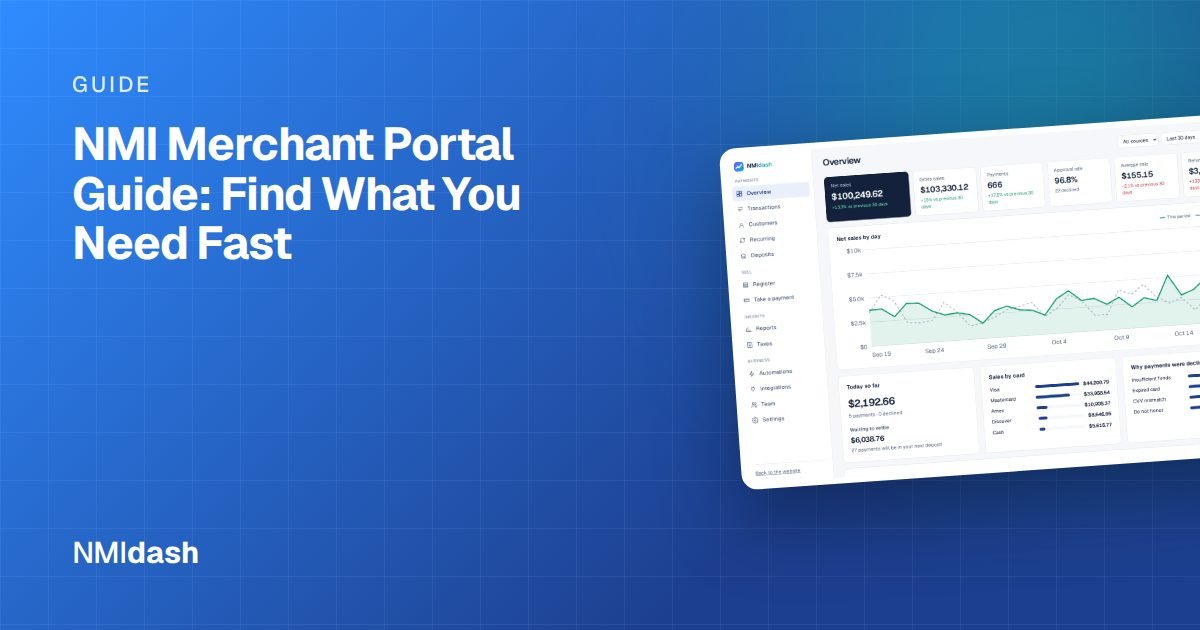
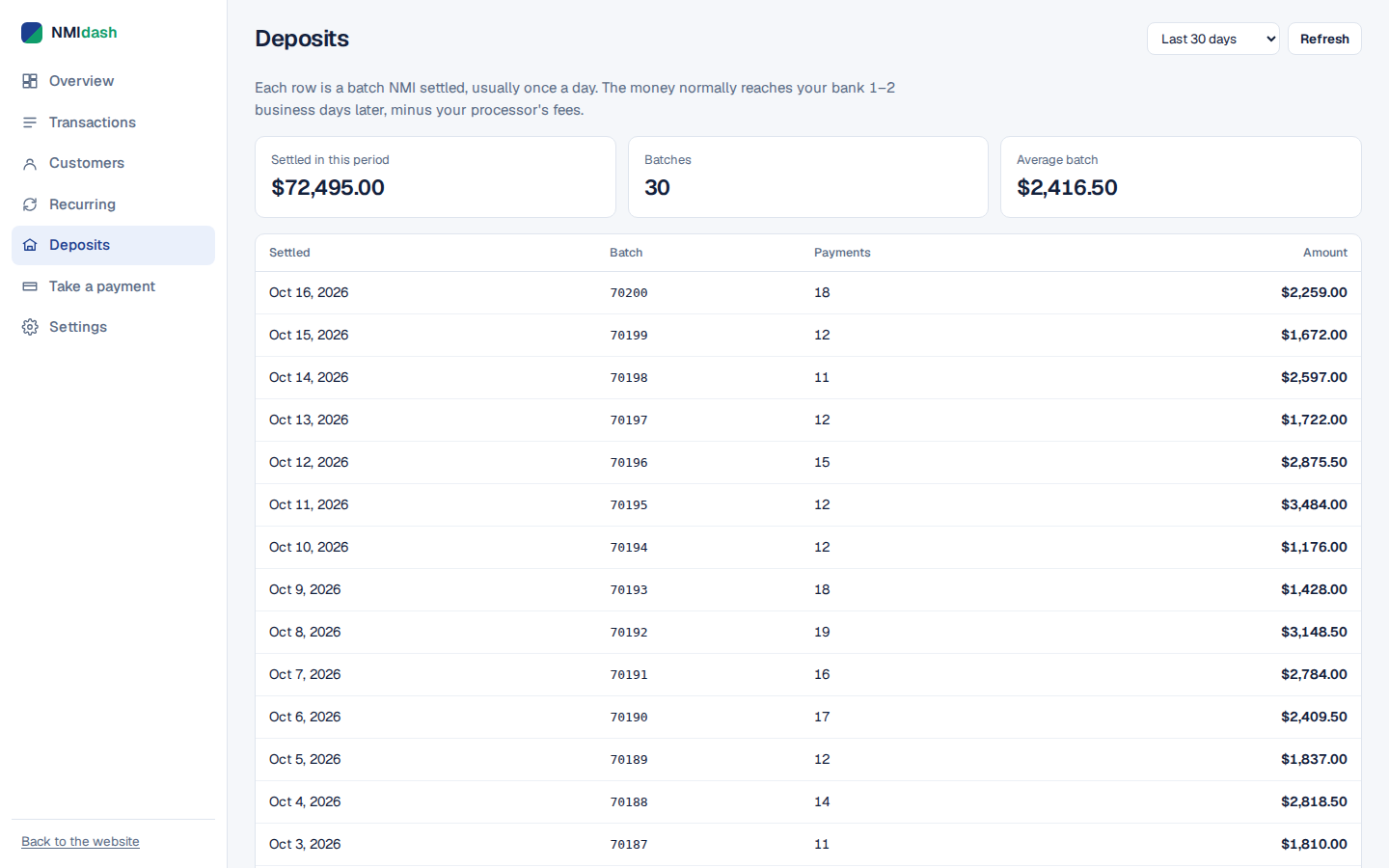
Gateway portals show settled batches, but they are often spread across reports that take several clicks to read, and the deposit amounts live separately in your bank account. NMIdash, a hosted dashboard for merchants on the NMI gateway, has a Deposits screen that lists your settlements so you can see what has settled and what is coming, alongside your transactions and daily totals.
It also builds sales reports by day, week or month and an accountant export, which makes month-end reconciliation faster. NMIdash connects with an API key and is independent software, not made or endorsed by NMI.
What to do when a batch looks wrong
A batch did not settle
If transactions are still sitting unsettled long after your cutoff, the batch may have failed or been held. Contact your reseller or processor support. Do not try to rerun the transactions, since that could charge customers twice.
A deposit is missing
First check whether the batch actually settled and when. Then allow for your funding schedule plus weekends and holidays. If the deposit is still late, ask your processor whether funds are on hold, which can happen with unusually large or unusual transactions.
A transaction is in the wrong batch
A sale made just after the cutoff goes into the next batch. This is normal and will show up in the following deposit.
Making sense of NMI batch settlement
Card payments reach your bank in stages: authorization, open batch, batch close, settlement and funding. Your batch cutoff decides which day a sale belongs to, your processor decides how fast it is funded, and fees, refunds and chargebacks explain why deposits rarely match sales exactly. Set a cutoff that fits your business day and match each deposit to its batch.
To see your NMI settlements and sales in one clear view, try the NMIdash live demo, then start a 7-day free trial.
Frequently asked questions
Can I settle an NMI batch manually?
Some gateway accounts allow a manual batch close, while others settle only on schedule. It depends on your account and processor setup, so check your gateway settings or ask your reseller.
Can I void a transaction after the batch closes?
No. Once the batch has closed and settled, you need to issue a refund instead.
Why are weekend sales deposited together?
Banks generally do not process ACH deposits on weekends or holidays, so funds from those days are often deposited on the next business day.