NMI Decline Codes: What They Mean and What to Do
NMI decline codes are the response codes the gateway returns when a payment is not approved. A code in the 200 range means the card issuer or processor declined it, the 300 range means the gateway itself rejected it, and the 400 range points to an error such as a configuration or communication problem. Code 100 means approved.
The right next step depends on which group the code falls in. Issuer declines usually need the customer to use another card or call their bank. Gateway rejections and errors usually need you to check your own settings or contact your provider.
How NMI response codes are organized
Each transaction response includes an overall result (approved, declined or error) and a more specific three-digit response code. Most gateway reports and transaction detail pages show both, along with the text the processor sent back.
| Range | Meaning | Who usually fixes it |
|---|---|---|
| 100 | Approved | Nothing to fix |
| 200s | Declined by the issuer or processor | The customer, often with their bank |
| 300s | Rejected by the gateway | You, by checking gateway settings |
| 400s | Transaction error from the processor or a communication problem | You, often with your reseller or processor |
The exact list of codes can change over time and may vary with your processor, so check your gateway's current integration documentation for the full table.
Common decline codes and what to do
These are codes merchants run into most often. The wording in your portal may differ slightly.
200: Transaction was declined by processor
A general decline without a more specific reason. Ask the customer to try another card or contact their bank.
201: Do not honor
The issuer declined without explaining why. This is common and can be caused by fraud checks, spending limits or account status. The customer should call the number on the back of their card. Retrying the same card repeatedly rarely helps.
202: Insufficient funds
The account does not have enough available balance or credit. Offer another payment method or a smaller amount if that suits your business.
203: Over limit
The purchase exceeds the card's limit. Treat it like insufficient funds.
223 and 224: Expired card or invalid expiration date
Check that the expiration date was entered correctly. If the card really has expired, ask for the new one. For saved cards and subscriptions, update the customer's stored card.
225: Card security code mismatch
The CVV entered did not match. Ask the customer to re-enter it carefully. Repeated mismatches on a card-not-present order can be a fraud warning.
220: Incorrect payment information
Something in the card details was wrong, often a mistyped card number. Re-enter the details.
250 to 253: Pick up, lost, stolen or fraudulent card
The issuer has flagged the card. Do not retry it, and do not accept another attempt with the same card. For in-person sales, follow your processor's guidance and avoid confronting the customer.
300: Transaction was rejected by gateway
The gateway blocked it before it reached the issuer. Common causes include duplicate-transaction checking, fraud rules you have set, or AVS and CVV rules. Look at the response text for details and review your gateway's fraud and duplicate settings.
410 and 411: Invalid merchant configuration or inactive account
These point to a problem with your merchant account setup, not the customer. Contact your reseller or processor promptly, since every payment may be failing.
430: Duplicate transaction at processor
The processor saw what looked like the same charge twice. Check whether the first attempt went through before running it again.
AVS and CVV results are separate from decline codes
Alongside the response code, the gateway usually returns an AVS result (whether the billing address and ZIP code matched what the issuer has on file) and a CVV result (whether the security code matched). These are not declines on their own. An issuer can approve a payment even when the address does not match.
What happens next depends on your gateway's fraud settings. If you have rules that reject transactions on certain AVS or CVV results, those rejections show up as gateway rejections rather than issuer declines. When you review a declined or rejected payment, look at all three results together:
- Response code: did the issuer, gateway or processor stop it?
- AVS result: did the address or ZIP code match?
- CVV result: did the security code match?
Spotting decline patterns
A single decline is usually the customer's issue. A pattern is usually yours. Watch for these signals:
- Many 300-range rejections after you changed a setting often means a fraud or duplicate rule is too strict.
- A sudden run of 400-range errors can mean an account, configuration or connection problem that needs your provider.
- Repeated attempts on one card with different CVVs or amounts can be card testing, where someone checks stolen numbers on your checkout.
- Rising expired-card declines on subscriptions means stored cards need updating.
Finding these patterns means filtering declined transactions by date and looking at the codes together, which is much easier with a good search screen.
Filtering declines in a clearer view
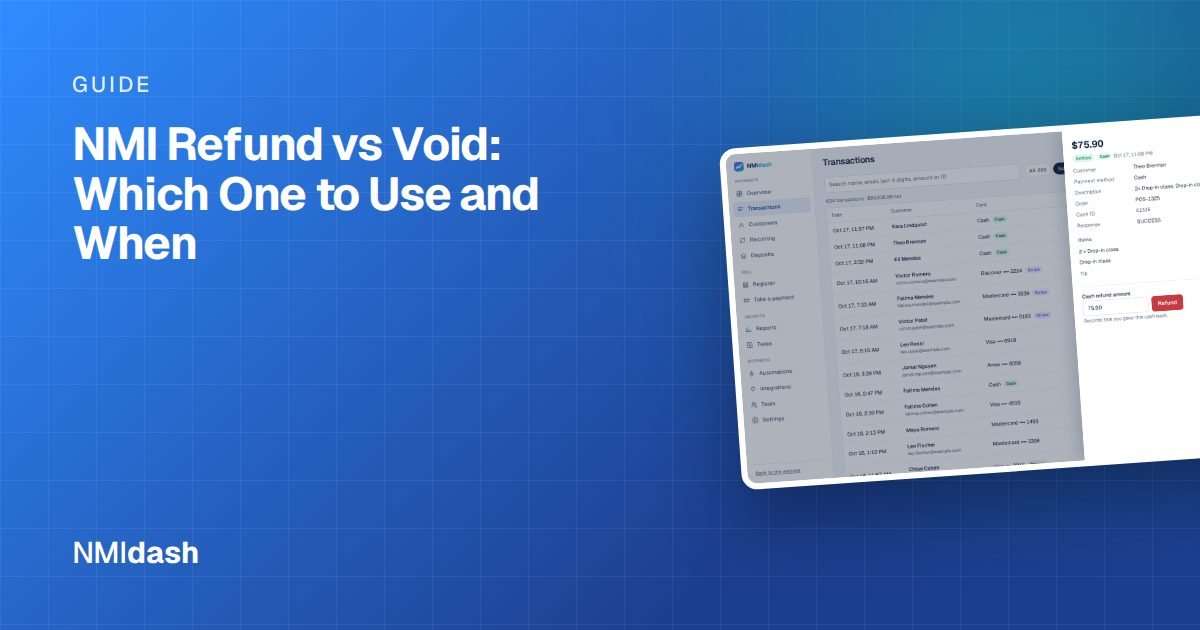
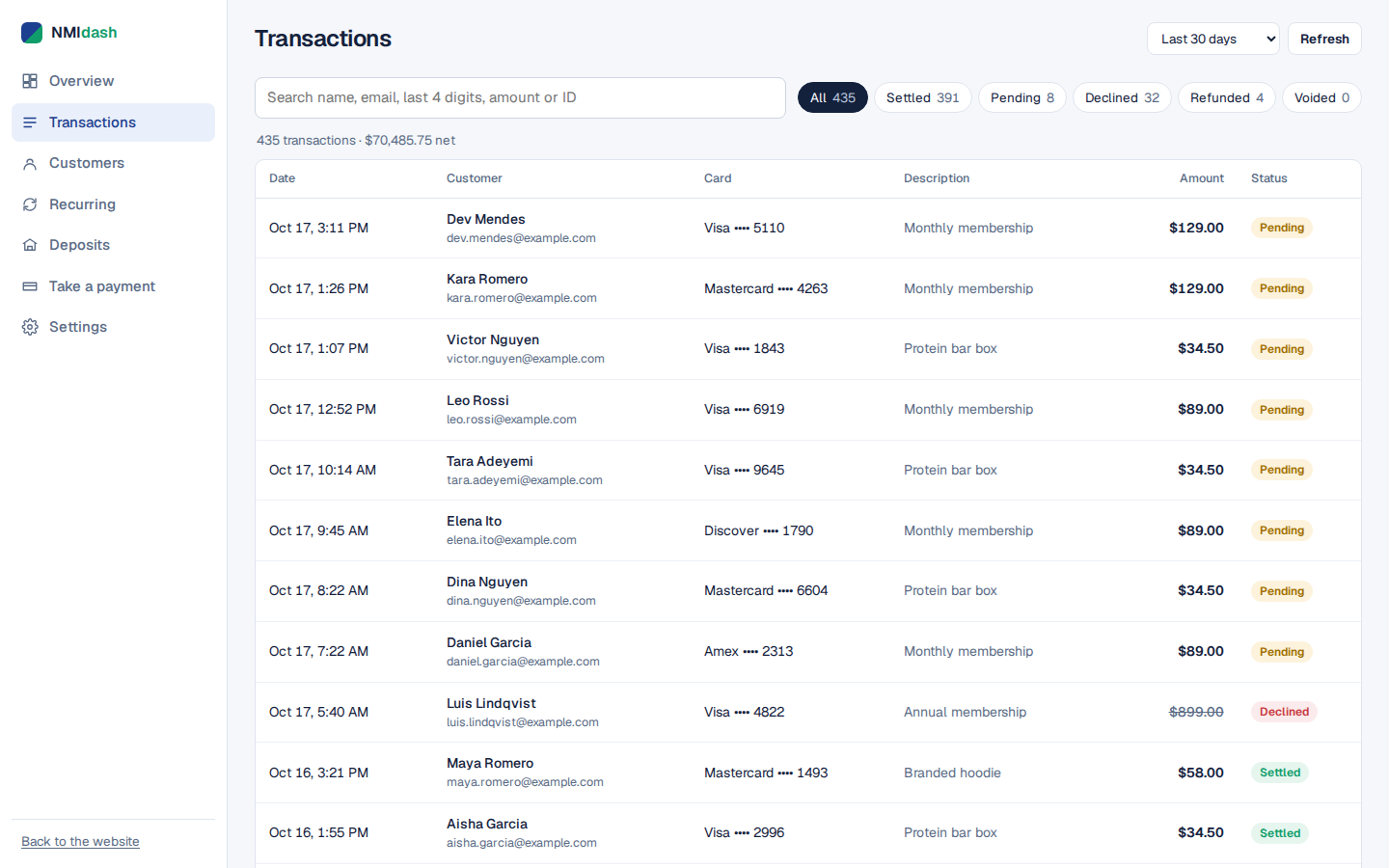
NMIdash is a hosted dashboard for merchants on the NMI gateway. Its Transactions screen lets you search every payment and filter results, so you can pull up declined transactions for a period and open each one to see its details. Checking from a phone or desktop browser takes seconds, which helps when a customer is waiting at the counter or on the phone.
You can also set up Automations to send yourself alerts by email or text. NMIdash is independent software that works with NMI gateways; it is not made or endorsed by NMI.
What to tell a customer whose card was declined
Keep it neutral and private. The decline code tells you something, but the customer's bank is the only one who can explain or fix most issuer declines.
- Say the payment did not go through, without guessing at the reason out loud.
- Offer to try again if a typo is likely, or ask for another card.
- Suggest they call their bank if the decline was a "do not honor" or general decline.
- For lost, stolen or fraud flags, decline the sale calmly and follow your processor's guidance.
Handling NMI decline codes with confidence
Read the code's range first: 200s are issuer declines the customer needs to resolve, 300s are gateway rejections you can review in your settings, and 400s are errors that may need your provider. Do not keep retrying flagged cards, and watch for patterns that point to a settings problem or card testing.
To search and filter your declines quickly, explore the NMIdash live demo and start a 7-day free trial when you are ready.
Frequently asked questions
What does NMI response code 100 mean?
Code 100 means the transaction was approved.
Can I override a decline?
No. An issuer decline can only be resolved by the customer and their bank. For gateway rejections, you can review the fraud or duplicate rules that caused them.
Why was a card declined even though the customer has money?
Issuers decline for many reasons besides balance, including fraud checks, travel, spending limits or a mistyped detail. The customer's bank can tell them the exact reason.