The NMI Customer Vault: Saving Cards Safely
The NMI Customer Vault is a secure storage feature on the NMI gateway that saves a customer's payment details as a token, so you can charge them again later without keeping their card number on your own systems. You store a customer once, the gateway returns a vault ID, and you use that ID for future charges, subscriptions and refunds.
Because the full card number stays with the gateway, your own systems never hold it. That reduces your exposure if your computers or website are ever compromised, and it can reduce the scope of your PCI compliance work, though it does not remove your PCI obligations.
What the Customer Vault stores
A vault record usually holds:
- Payment details: the card number and expiration date (or bank account details for electronic checks, where enabled), stored securely by the gateway.
- Billing information: name, address, email and phone, which help with AVS checks and receipts.
- A vault ID: the reference you or your software use to charge the customer.
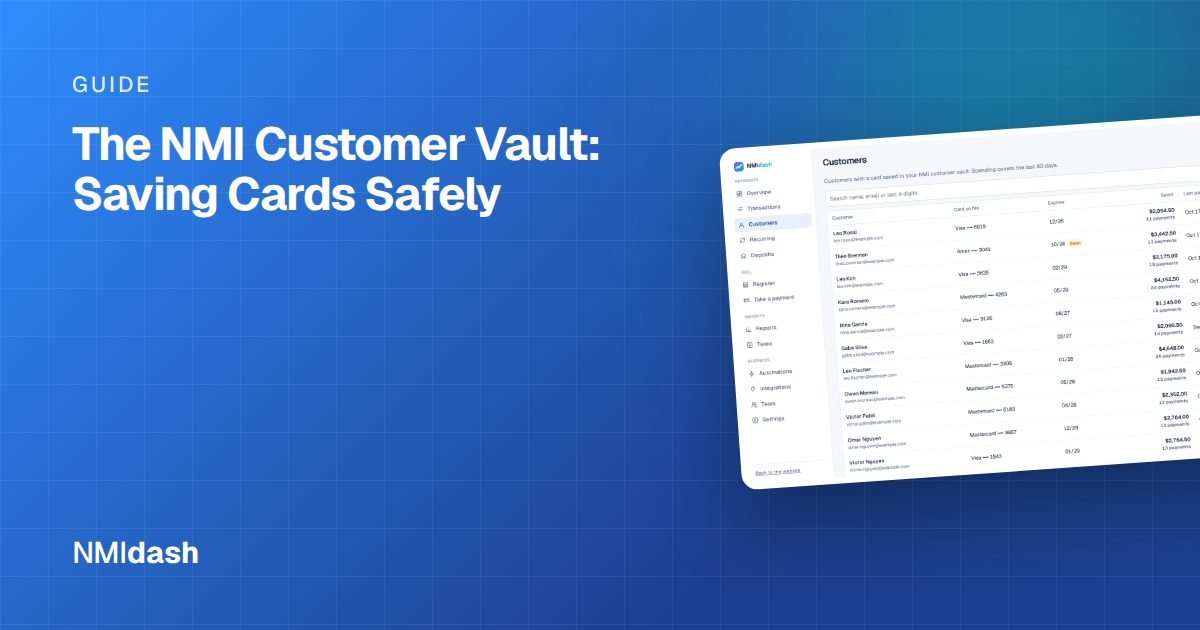
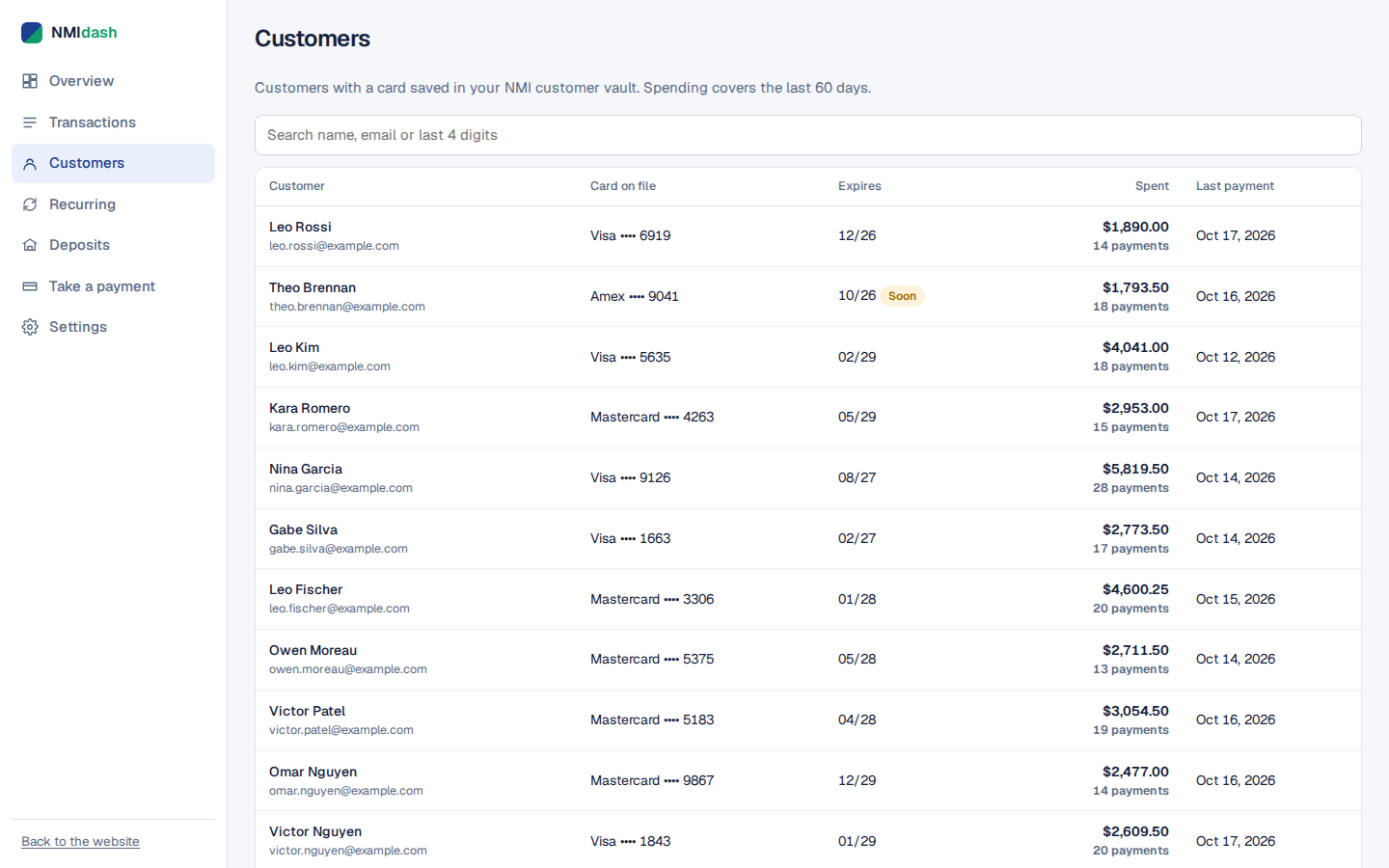
When you look at a vault record, you see a masked card number, typically just the last 4 digits. You cannot retrieve the full number, which is the point.
The Customer Vault may need to be enabled on your account. If you do not see it in your portal, ask your reseller or NMI.
When to use the Customer Vault
| Situation | How the vault helps |
|---|---|
| Recurring billing and subscriptions | The subscription charges the stored card each cycle |
| Repeat customers | Charge a regular customer without asking for their card again |
| Phone and mail orders | Store details once with permission, then charge on future orders |
| Deposits and final payments | Take a deposit now and charge the balance later |
| Faster online checkout | Let returning shoppers pay with a saved card, if your website supports it |
How to save a card safely
- Get permission first. Tell the customer you will save their card, what you will use it for and how they can remove it. Card brand rules on stored credentials expect this, and your processor can tell you what records to keep.
- Collect the card through secure fields. Use your gateway's virtual terminal, hosted payment fields or a properly built integration. Never write card numbers on paper, in email or in a spreadsheet.
- Create the vault record. Add the customer in the vault section of your portal, or let your software do it through the API.
- Record the vault ID, not the card. If you keep customer records elsewhere, such as in a CRM, store only the vault ID and the last 4 digits.
- Charge only as agreed. Use the stored card for the purposes the customer approved.
Charging a saved customer later
Once a customer is in the vault, charging them again is straightforward, but a few checks prevent mistakes.
- Find the right record. Search by name, email or last 4 digits, and confirm it is the customer you mean, especially if two people share a name.
- Confirm the amount and purpose. Make sure the charge matches what the customer agreed to, such as an order total or a remaining balance.
- Run the charge from your gateway's virtual terminal or vault section, or through your software, using the vault ID.
- Send a receipt. A receipt for every stored-card charge reassures the customer and reduces "I don't recognize this" disputes.
If the charge is declined, do not keep retrying. Contact the customer and ask them to update their card or confirm with their bank.
Customer Vault vs storing cards yourself
Some businesses still keep card numbers in a binder, spreadsheet or point-of-sale notes so they can charge regulars. That creates real risk: anyone with access to the file can misuse it, and a single lost laptop or breached account can expose every customer. It can also put you out of line with PCI requirements.
The vault removes that risk from your side. Staff can charge customers using the vault ID, see only the last 4 digits, and never handle the full number after it is entered.
Keeping vault records accurate
Update expired cards
When a stored card expires or is replaced, update the existing vault record with the new details instead of creating a duplicate. This keeps the customer's history and any linked subscriptions intact.
Remove customers who ask
If a customer asks you to delete their saved card, remove the vault record or its payment details promptly, and cancel any subscriptions that depend on it.
Avoid duplicates
Search before adding a new record. Duplicate records make it easy to charge the wrong card or miss a cancellation.
Limit access
Anyone who can charge vault customers can move money. Give vault access only to staff who need it, each with their own login.
Seeing your customers and their payments together
The vault holds payment details, but many portals make it hard to see the full picture for a customer: what they have paid, what they are subscribed to and whether anything was refunded.
NMIdash is a hosted dashboard for merchants on the NMI gateway. Its Customers screen lets you look up your customers, and the Transactions and Recurring screens let you search their payments and subscriptions. Card numbers are never stored by NMIdash: NMI only returns masked card numbers (last 4). When you take a payment on the Charge screen, the card is typed into NMI's hosted fields.
NMIdash connects with an API key that is encrypted on its servers, and staff can be given their own sign-in with only the access they need. It is independent software that works with NMI gateways, not made or endorsed by NMI.
Customer Vault and PCI compliance
Using tokenization like the Customer Vault is one of the most effective ways to keep card data out of your systems. It helps in a few ways:
- Your database, CRM and spreadsheets never contain full card numbers.
- A breach of your own systems would not expose stored cards.
- Your PCI self-assessment may be simpler, depending on how you collect cards.
You still need to complete whatever PCI validation your processor requires, and how you collect card details matters. Typing cards into hosted fields from the gateway generally keeps you in a smaller scope than building your own card form. Your processor or a PCI professional can confirm what applies to your setup.
Using the NMI Customer Vault the right way
The Customer Vault lets you charge repeat customers and run subscriptions without storing card numbers yourself. Get permission before saving a card, collect it through secure fields, keep only the vault ID and last 4 digits in your own records, update expired cards in place and delete records when customers ask.
To look up customers and their payments quickly from any browser, try the NMIdash live demo, then start a 7-day free trial.
Frequently asked questions
Can I see a customer's full card number in the vault?
No. The vault shows a masked number, typically the last 4 digits. The full number stays with the gateway.
Does the Customer Vault make me PCI compliant?
It reduces how much card data you handle, which can shrink your PCI scope, but you still need to meet your processor's PCI requirements.
Can I refund a payment made with a vault card?
Yes. Refunds go back to the card used for the original payment, just like any other transaction.