NMI Sales Reports: How to Pull Reports That Make Sense

To pull NMI sales reports that make sense, start with the transaction data your gateway already records, decide which totals you actually need (gross sales, refunds, voids, net sales and deposits), and filter out declines and voided transactions before you add anything up. Most confusing reports come from mixing authorized, captured and settled amounts in one total.
The NMI gateway gives you detailed records of every transaction. Turning those records into a clear daily, weekly or monthly sales picture usually takes an export, a few filters and a summary, either in a spreadsheet or in a reporting tool that reads your gateway data for you.
Why raw gateway reports are hard to read
A gateway report is a transaction log, not a sales report. Each row is an event: a sale, an authorization, a capture, a void, a refund, a credit or a decline. If you total the amount column without filtering, you get a number that has little to do with what you actually earned.
These are the usual sources of confusion:
- Declined attempts. A customer who tries three cards before one works can leave three rows behind. Only the approved one is a sale.
- Authorizations versus captures. If you authorize first and capture later, the same purchase can appear twice, or an authorization may never be captured at all.
- Voids versus refunds. A void cancels a transaction before it settles, so no money moves. A refund sends money back after settlement. They affect your totals differently.
- Time zones and batch cut-offs. A sale at 11:30 p.m. may belong to one day by transaction time and another day by settlement batch, depending on your gateway and processor settings.
- Multiple accounts. If you have more than one merchant account, or you also take payments through another provider, a single gateway report shows only part of the picture.
The numbers a useful sales report should show
Before you build anything, decide what the report is for. An owner checking how the week went needs different numbers than a bookkeeper closing the month. In most cases, these five figures cover what you need:
| Metric | What it means | Common mistake |
|---|---|---|
| Gross sales | Approved sales and captured authorizations | Counting authorizations that were never captured |
| Refunds | Money returned to customers after settlement | Lumping voids in with refunds |
| Voids | Transactions canceled before settlement | Subtracting them from gross sales that never included them |
| Net sales | Gross sales minus refunds | Treating net sales as the amount you will be paid |
| Deposits | What actually reaches your bank account | Assuming deposits equal net sales on the same day |
Deposits are usually lower than net sales because of processing fees, chargebacks, reserves or timing differences. Whether fees come out daily or once a month depends on your processor, so check your merchant agreement or monthly statement to see how your account is funded.
How to build a sales report from NMI data
If you want to do it yourself, this process works for most businesses on an NMI gateway:
- Pick the period and the date basis. Decide whether you are reporting by transaction date or settlement date, and stick with it. Mixing the two is the fastest way to get totals that never match.
- Export the transactions. Use the reporting or transaction search area in your gateway portal to export the period as a CSV. Include the transaction type, status, amount, date and any order or invoice fields you use.
- Keep the raw file untouched. Save the original export and work on a copy. If a number looks wrong later, you can go back to the source.
- Filter to approved transactions. Remove declines and errors. Separate sales, captures, refunds and voids into their own groups.
- Group by period. A pivot table makes it easy to total sales and refunds by day, week or month.
- Check against deposits. Compare your net sales with what your bank received for the same period. Small, explainable differences (fees, timing) are normal. Large unexplained gaps deserve a closer look.
Spreadsheet tips that save time
- Use the same column layout for every export so your formulas and pivot tables keep working.
- Add a column that labels each row as sale, refund, void or other, so totals are one filter away.
- Record the time zone your export uses at the top of the sheet.
- If you also take payments outside NMI, add those exports as separate tabs with a source column, then combine them in one summary.
Choosing the right reporting period
Different periods answer different questions, so it helps to keep more than one view.
Daily
Daily sales are best for spotting problems quickly: a day with far fewer transactions than usual can point to a checkout issue, a staff problem or a gateway setting that changed. Daily totals also make it easier to match individual settlement batches to deposits.
Weekly
Weekly totals smooth out the ups and downs of individual days. They are useful for staffing, inventory and comparing similar weeks, such as the same week in the previous month.
Monthly
Monthly reports line up with your processor statement and your bookkeeping. Most accountants want monthly gross sales, refunds and deposits, and sales tax filings are often monthly or quarterly depending on where you operate.
Getting clear reports without the spreadsheet work
Exporting and cleaning data every week works, but it takes time and it is easy to make a filtering mistake. If you would rather open a page and see the numbers, a dashboard that reads your gateway data directly can do the sorting for you.
NMIdash is a hosted dashboard for merchants whose processing runs on the NMI gateway, including resellers whose gateway is NMI under another name. You connect it by creating an API key in the NMI portal under Settings → Security Keys → Add a new private key, with API and Query ticked. A read-only key is enough for reporting, and the key is stored encrypted.
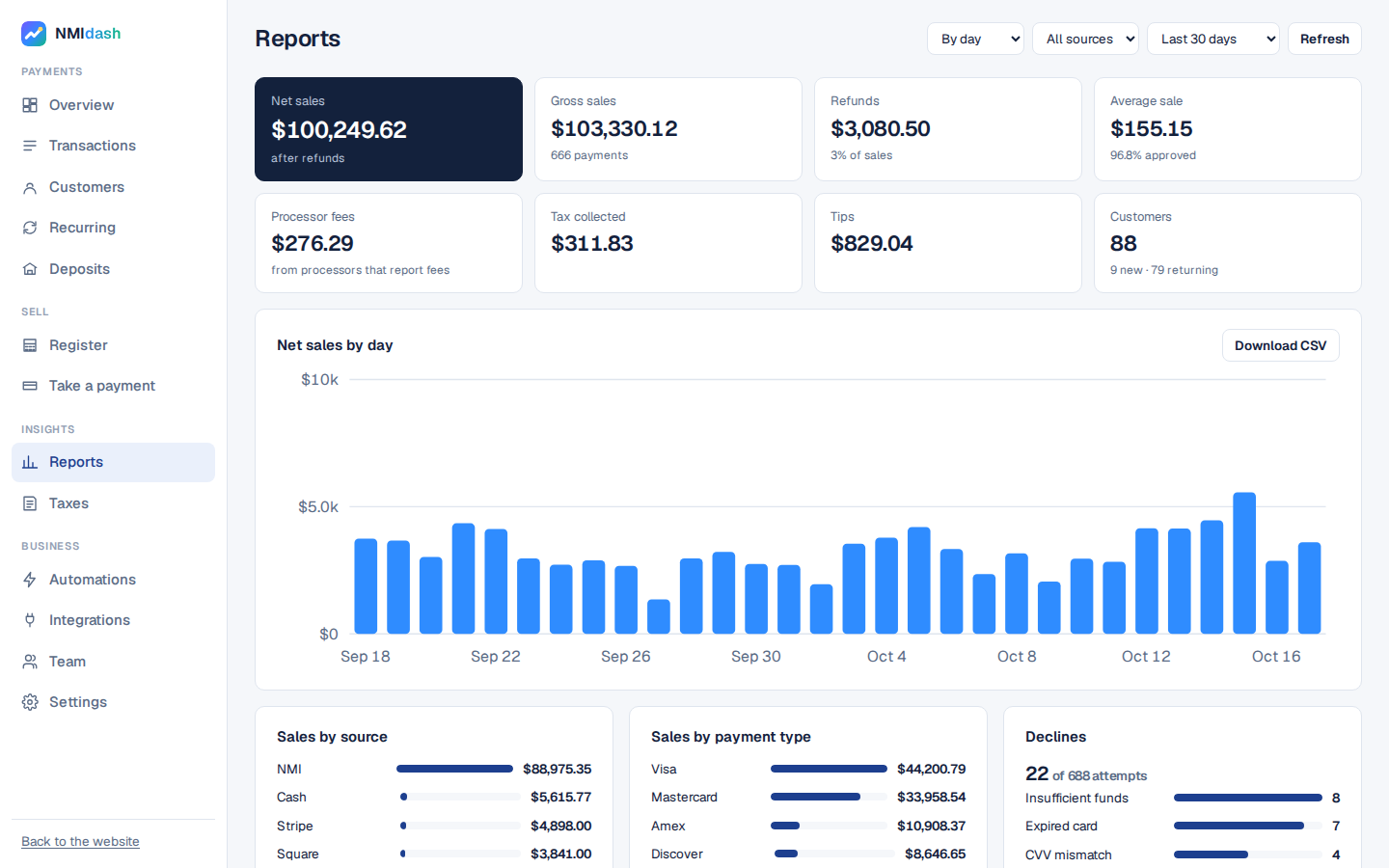
The Reports screen shows sales by day, week or month, and also includes sales tax reports by month or quarter, a year-end summary and an accountant export that downloads as a zip of CSV files.
A few other details help with reporting accuracy:
- The Overview screen shows today and this week at a glance, with trends.
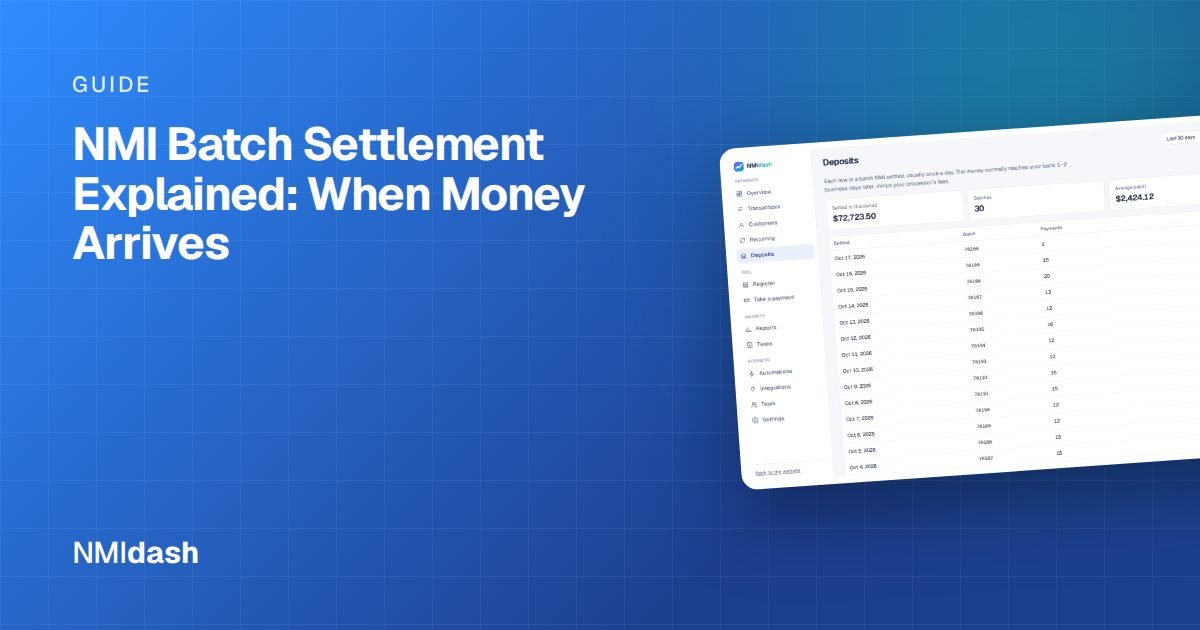
- The Deposits screen lists settlements so you can compare sales with what was paid out.
- If you also take payments through Stripe, Square, PayPal or Authorize.net, you can import them with read-only keys so they appear in the same transactions, reports and tax summaries.
- You can give a bookkeeper their own sign-in with access to reports and exports only.
Making your NMI sales reports work for you
Good NMI sales reports come down to a few habits: choose one date basis, separate sales from refunds and voids, ignore declines, and check your totals against deposits each period. Do that consistently and your reports will match your bank, your statements and your books far more often.
Whether you build reports in a spreadsheet or use a dashboard, the goal is the same: numbers you can trust without a second look. If you want to see what clear NMI reporting looks like, try the live NMIdash demo with sample data, or start a 7-day free trial and connect your own gateway.
Frequently asked questions
Why don't my NMI sales totals match my bank deposits?
Deposits are usually net of processing fees, refunds, chargebacks and any reserves, and they arrive on a delay that depends on your processor. Compare by settlement batch rather than by calendar day, and check your statement to see how fees are deducted.
Is it better to report by transaction date or settlement date?
Either can work, as long as you use the same one every time. Transaction date reflects when customers bought. Settlement date lines up better with deposits. Ask your accountant which one they prefer for your books.
Do voided transactions count as sales?
No. A void cancels a transaction before it settles, so the customer is not charged and no money moves. Exclude voids from gross sales rather than subtracting them later.