How to Reconcile NMI Deposits With Your Bank Account
To reconcile NMI deposits with your bank account, match each settlement batch in your gateway to a deposit on your bank statement, then explain any difference with fees, refunds, chargebacks, reserves or timing. Work batch by batch rather than by calendar day, because one deposit can cover more than one batch and deposits usually arrive a day or more after the sales.
Once you know how your processor funds your account, most differences turn out to be predictable. The goal is not for every number to match exactly, but for every gap to have a clear, documented reason.
Why NMI deposits rarely match your daily sales
The NMI gateway passes your transactions to your processor and groups them into settlement batches. Your processor then funds your bank account. Several things happen between a customer paying and the money arriving:
- Batch timing. Sales are grouped by batch close time, not by midnight. A late evening sale can land in the next day's batch.
- Funding delay. Deposits usually arrive one or more business days after a batch settles. The exact timing depends on your processor and bank.
- Weekends and holidays. Batches from non-banking days are often combined into one larger deposit on the next business day.
- Fees. Some processors deduct fees from each deposit (net funding). Others pay out the full amount and take fees once a month (gross funding). Check your merchant agreement to see which applies to you.
- Refunds and chargebacks. Refunds reduce the batch they settle in. Chargebacks and their fees are usually debited separately.
- Reserves or holds. If your account has a reserve, part of each deposit may be held back for a period.
How to reconcile NMI deposits step by step
What you need before you start
Gather these items for the period you are reconciling:
- A list of settlement batches from your gateway, with batch dates and totals. Your gateway portal's reporting area can usually show or export this.
- Your bank statement or bank feed for the same period, plus a few extra days at the end to catch late deposits.
- Your processor's monthly statement, which shows fees, chargebacks and adjustments.
- A list of refunds and voids for the period, so you can see what changed each batch.
If you have more than one merchant account or location on NMI, reconcile each one separately. Deposits from different merchant IDs can look similar on a bank statement.
The reconciliation steps
- List every batch. Put each settlement batch on its own row with the batch date, number of transactions, sales total, refund total and net batch total.
- Add the bank deposits. Next to each batch, enter the bank deposit you think it belongs to, with the deposit date and amount.
- Match the obvious ones. Most batches will match one deposit, either exactly or minus a fee. Mark those as reconciled.
- Group the combined ones. For deposits after weekends or holidays, add up the batches that should have been included and compare the total.
- Explain the difference. For each remaining gap, check your processor statement for fees, chargebacks, reserves or adjustments on that date.
- Record what you found. Note the reason for each difference in a column. That note will save you time next month and makes your accountant's job easier.
- Follow up on what you can't explain. If a batch has no deposit after several business days, or a deposit is far from any batch total, contact your processor or reseller with the batch date and amount.
Common differences and what they mean
| What you see | Likely cause | How to check |
|---|---|---|
| Deposit is slightly lower than the batch | Daily fees deducted (net funding) | Compare the gap with the fees on your processor statement |
| One large deposit after a weekend | Several batches funded together | Add the batches from the non-banking days |
| Deposit missing for a batch | Funding delay, hold or bank issue | Wait a business day, then ask your processor |
| Separate small debit from your account | Chargeback, chargeback fee or monthly fees | Look for the matching line on your statement |
| Deposit consistently lower by a set percentage | Reserve on the account | Check your merchant agreement for reserve terms |
| Batch total differs from your sales report | Refunds, voids or a different date basis | Compare by batch, not by calendar day |
Keeping reconciliation quick every month
Reconciliation gets much easier when you do it often. Small, frequent checks catch problems while they are still easy to trace.
Reconcile weekly, not just at month end
A weekly check means you only have a handful of batches to match. If a deposit is missing, you notice in days rather than weeks, and your processor can look into it while the details are recent.
Use one date basis
Decide whether your books follow the batch date or the deposit date, and use it consistently. Switching between them is a common reason months refuse to balance.
Keep refunds visible
Refunds come out of the batch they settle in, which may not be the batch of the original sale. Keeping a list of refunds by date makes it obvious why a batch looks smaller than expected. Voids, by contrast, never reach a batch, so they should not appear in your deposit math at all.
Seeing batches and deposits in one place
The hardest part of reconciling is often just getting the settlement data into a usable form. If you are tired of exporting and reformatting gateway reports, a dashboard that reads your NMI data can show settlements in a list you can compare directly against your bank.
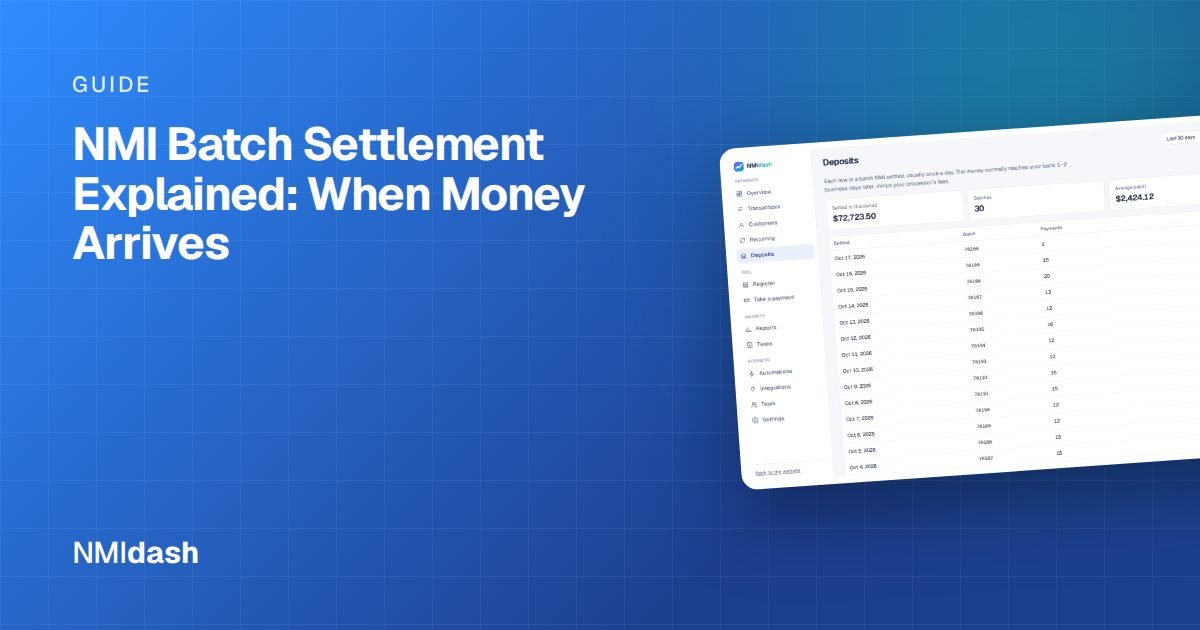
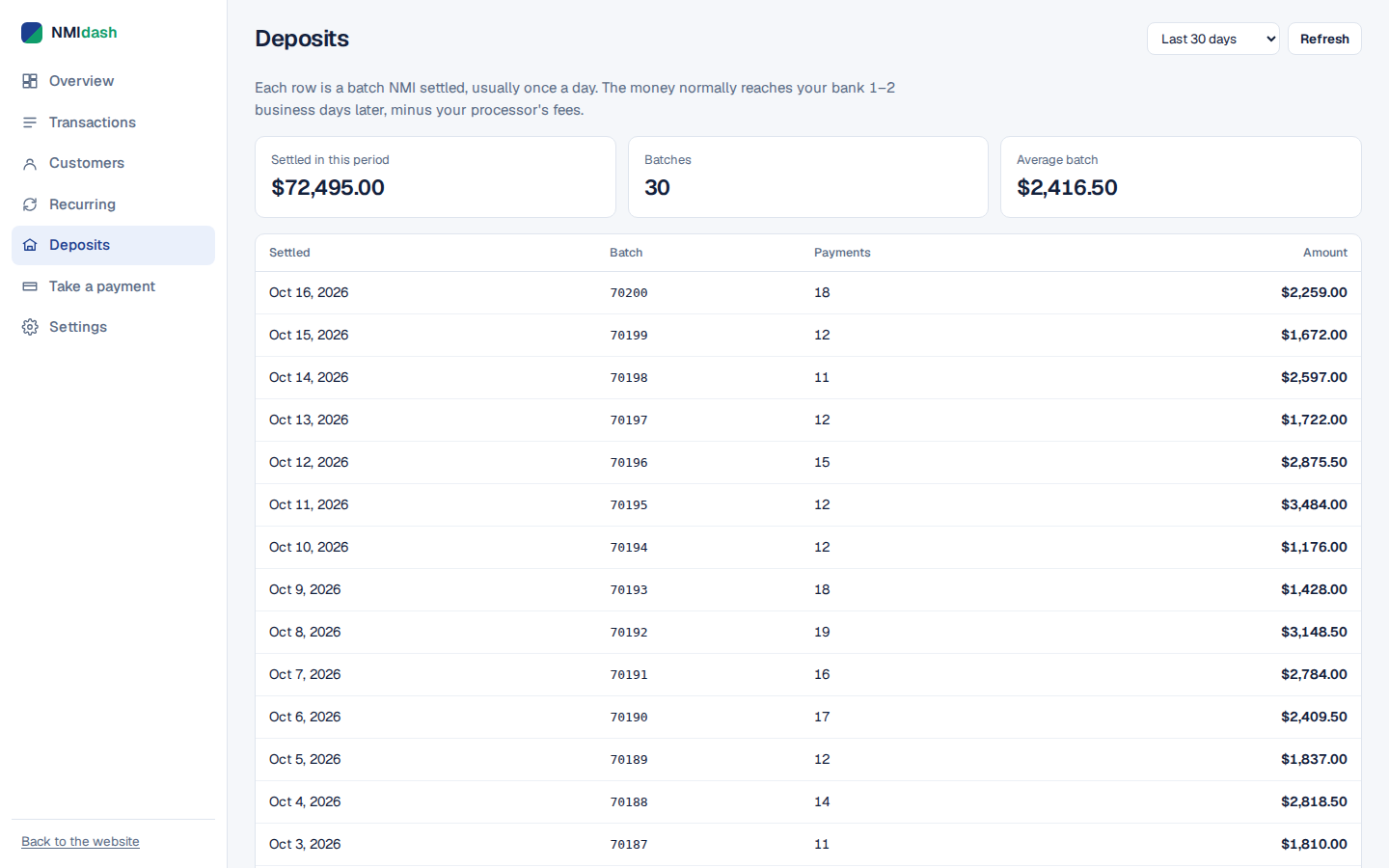
NMIdash is a hosted dashboard for merchants on the NMI gateway, whether you work directly with NMI or through a reseller whose gateway is NMI under another name. Its Deposits screen lists your settlements, and the Transactions screen lets you search every payment, filter by type and open the details behind a batch.
You connect it by creating an API key in the NMI portal under Settings → Security Keys → Add a new private key, with API and Query ticked. A read-only key works if you only want reporting, and refunds can be switched off entirely. For the month-end handover, the Reports screen includes an accountant export that downloads as a zip of CSV files, and you can invite your bookkeeper with their own sign-in limited to reports and exports.
Making deposit reconciliation routine
To reconcile NMI deposits reliably, match by batch, expect timing gaps around weekends and holidays, learn whether your processor funds gross or net, and write down the reason for every difference. After a month or two, you will recognize the normal patterns and anything unusual will stand out right away.
If you want settlements, transactions and reports side by side without building spreadsheets, explore the live NMIdash demo with sample data or start a 7-day free trial and connect your NMI gateway.
Frequently asked questions
How long do NMI deposits take to reach my bank?
It depends on your processor and bank, not the gateway itself. Many accounts are funded within a business day or two of settlement, but check your merchant agreement or ask your processor for your exact funding schedule.
Why is my deposit smaller than my batch total?
The most common reasons are fees deducted daily, a reserve on the account, or a chargeback debited the same day. Your processor statement will show which one applies.
Do voids affect my deposits?
No. A void cancels a transaction before it settles, so it never becomes part of a batch or a deposit. Refunds, on the other hand, do reduce the batch they settle in.